
Import your reviews · Included in Free
Bring the reviews you already have.
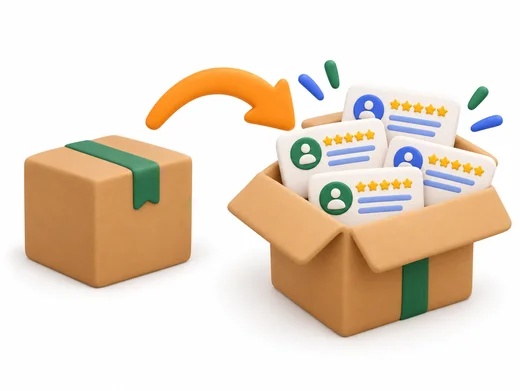
Moving from another reviews app, or dropshipping a product from an authorized supplier? Import those reviews with their photos. Only import content you have the right to use: imported reviews are always labeled as imported.
- ✓ No code
- ✓ 7-day free trial
- ✓ Cancel anytime
What you get
Why stores use Import your reviews
With customer photos
Keep only reviews with photos if you prefer.
Only what you're authorized to use
Your own reviews, or your authorized supplier's listing for a product you sell.
Translated
Reviews arrive in your language.
CSV from other apps
Moving from another reviews app? Upload its CSV export; columns are detected automatically.
How to set it up
Ready in three steps.
- 01
Export a CSV from your previous app, or copy your supplier's product link.
- 02
In Import reviews, choose the product and confirm you're authorized.
- 03
Review and publish.
Frequently asked questions
Import your reviews: questions
Are imported reviews marked as verified?
No. They’re always labeled as imported, never as verified purchases.
Is importing free?
Yes, importing is included in every plan.
Can I import from other review apps?
Yes, with a CSV export from your previous app.
Keep exploring
More ways to sell with reviews
★★★★★
Let your customers sell for you.
Install OK Reviews today. Free plan forever, 7-day trial on paid plans, no code.