How to Show Star Ratings in Google for Your Shopify Products
Why star ratings appear in Google results, what structured data your Shopify product pages need, and how long it takes for the stars to show.
 Angel Lara · · 4 min read
Those gold stars under some search results are called review rich results. They make a listing stand out and give shoppers proof before they even click. Here’s how they work for Shopify stores.
Where do the stars come from?
Google reads structured data — a small block of code (JSON-LD) on your product page that describes the product, its price and its rating. When the data is valid and the page has real reviews, Google may show the stars in its results.
What your product page needs
- A Product with its name, image and offer (price, currency and availability).
- An AggregateRating with the average rating and the number of reviews.
- Reviews visible on the page itself — the data must match what shoppers see.
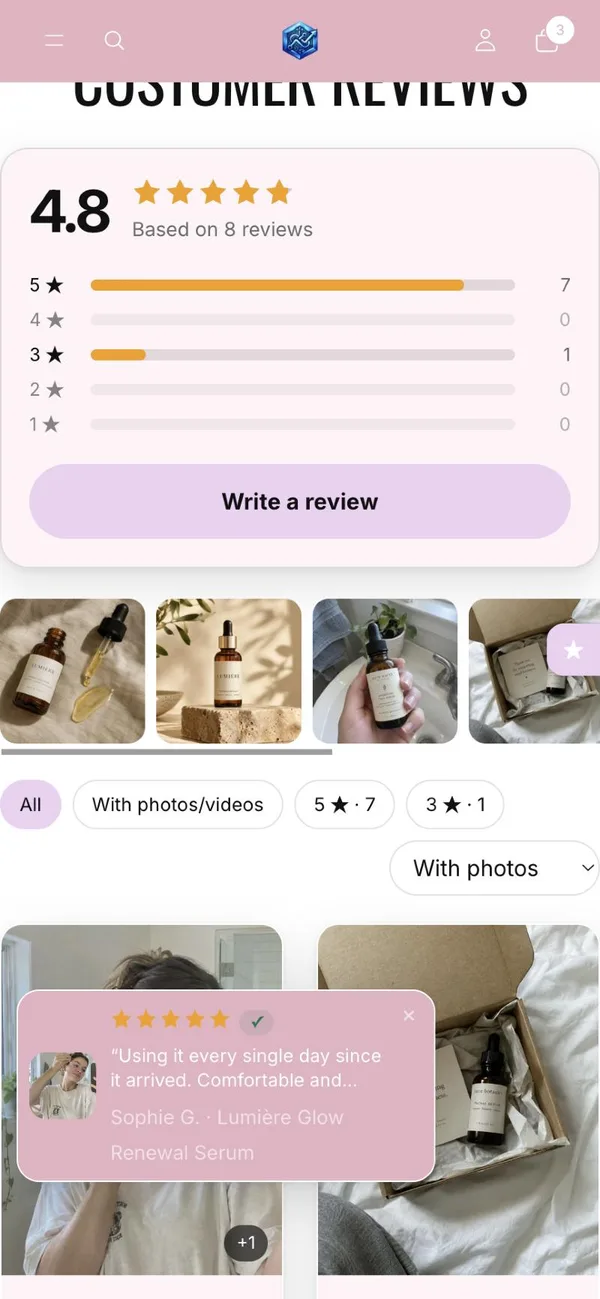
OK Reviews adds Product and AggregateRating data to every product page with reviews, and shows the same rating under the title, so the two always match.
How long does it take?
Google decides when and whether to show rich results. After you add reviews, it usually takes from a few days to a few weeks for Google to crawl the page again. You can speed it up by requesting indexing in Google Search Console.
Check it yourself
- Open Google’s Rich Results Test.
- Paste the address of one of your product pages with reviews.
- You should see “Product snippets” or “Review snippets” detected without errors.